
Car Parking Multiplayer Lag Fix 2026: Stop Crashes and Improve FPS
Car Parking Multiplayer gives players a realistic driving experience with detailed cars, open-world maps, and online multiplayer features. However, some users experience many problems like lag, frame drops, freezing, or unexpected crashes.
These issues usually happen because of device limitations, graphics settings, storage problems, or connection issues.
This guide explains the most effective Car Parking Multiplayer lag-fix methods to improve speed, reduce crashes, and enjoy smoother gameplay.
Why Does Car Parking Multiplayer Lag?
CPM lag can happen for several reasons.
The most common causes include:
Finding the actual cause helps you choose the right solution instead of changing random settings.
Reduce Graphics Settings To Improve Performance
These graphics settings are among the biggest reasons for FPS problems.
High-quality visuals require more device resources. If your phone struggles to handle these settings, the game may become slow.
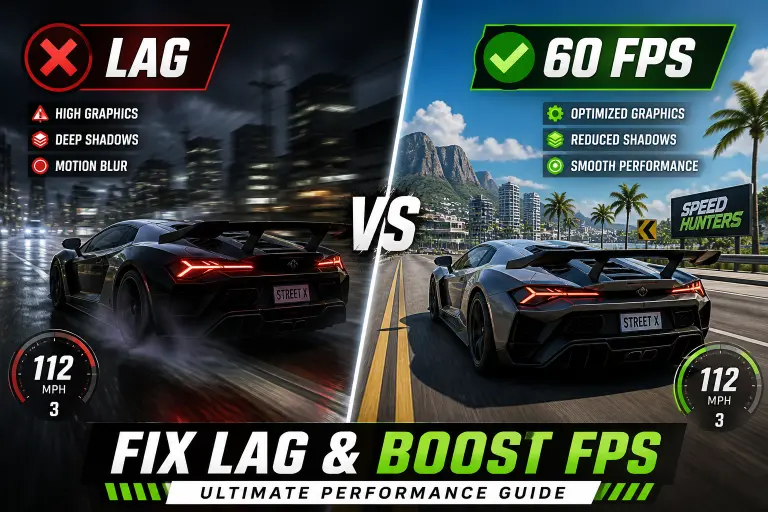
Recommended changes:
Players can also check the Car Parking Multiplayer best graphics settings guide for device-specific recommendations.
Clear Cache And Remove Unnecessary Files
Temporary files can sometimes affect game performance.
Clearing cache can help fix:
How To Clear CPM Cache
Avoid clearing game data unless you have backed up your progress.
Free Up Storage Space
Games need free storage to run properly.
Low storage can cause:
Try to:
A clean device usually provides better gaming performance.
Close Background Applications
Many apps continue running while you play.
These apps consume:
- RAM
- CPU resources
- Battery power
Before opening CPM:
- Close social media apps
- Stop unnecessary downloads
- Disable unused applications
This gives the game more resources.
Fix Car Parking Multiplayer Crashing Problems
Crashes can happen after updates, installations, or device changes.
Update The Game
Older versions may contain:
Keeping the game updated helps maintain stability.
You can follow the Car Parking Multiplayer update history to understand version changes.
Restart Your Device
A simple restart can fix temporary problems.
Restarting clears:
Reinstall The Game
If the game continues crashing:
Make sure you download files from a reliable source.
Fix CPM Multiplayer Connection Problems
Some players experience issues when joining online rooms.
Possible causes:
- Slow internet
- Server problems
- Outdated version
- Network restrictions
Solutions:
- Check your internet speed
- Restart your router
- Update the game
- Try again later
Improve CPM Performance On Low-End Phones
Low-end devices can still run Car Parking Multiplayer with the right adjustments.
Try these tips:
Small changes can make a noticeable difference.
Common Mistakes That Cause CPM Lag
Playing With Maximum Graphics
High settings may look better but can reduce smoothness.
A stable frame rate is usually better than maximum visual quality.
Ignoring Device Temperature
When a phone gets too hot, performance can automatically decrease.
Allow your device to cool down before long gaming sessions.
Using Outdated Versions
Old versions may not work correctly with newer devices or online features. Using the latest compatible version is usually recommended.
Car Parking Multiplayer Performance Checklist
| Problem | Solution |
| FPS drops | Lower graphics settings |
| Game freezes | Clear cache |
| Crashes | Update or reinstall |
| Slow loading | Free storage space |
| Multiplayer issues | Check internet |
Frequently Asked Questions
Why is Car Parking Multiplayer lagging?
CPM usually lags because of high graphics settings, limited device resources, low storage, or background apps.
How do I increase FPS in Car Parking Multiplayer?
Lower graphics settings, close unnecessary apps, clear cache, and maintain enough storage space.
Why does CPM keep crashing?
Crashes can happen because of outdated files, compatibility issues, corrupted data, or insufficient device resources.
Can I run Car Parking Multiplayer on a low-end phone?
Yes, but you may need lower graphics settings and performance adjustments.
Does updating CPM fix lag?
Updates can fix bugs and improve performance, but device settings also play an important role.
